Windows on Arm Laptops in 2026: Compatibility Before You Buy
A practical compatibility checklist for Windows on Arm laptops covering native apps, Prism emulation, drivers, games and specialist software.

Decision snapshot
What changes the answer
Modern native applications and current emulation cover many common tasks well.
Driver compatibility cannot always be solved by application emulation.
The architecture is used in systems designed around strong performance per watt.
Windows on Arm is much easier to recommend than it was a few years ago, but buyers should still verify their specific software and peripherals before switching architectures.
For mainstream productivity, the compatibility story is strong. Specialist drivers, anti-cheat systems, plug-ins and old business software deserve more attention.
Windows 11 can emulate x86 and x64 applications
Microsoft documents that Windows 11 on Arm supports emulation for both x86 and x64 user-mode applications. Windows 11 24H2 introduced the Prism emulator with optimizations intended to improve performance and reduce CPU overhead. See Microsoft's explanation of Arm emulation.
That means an app does not have to be rebuilt for Arm to run.
But emulation is not the same as universal compatibility.
Native Arm64 is still preferable
A native Arm application can use the architecture directly instead of translating x86/x64 instructions.
That can improve performance, efficiency and integration.
Microsoft lists native Arm versions of many mainstream applications including Microsoft 365 apps, Chrome, Slack, Spotify, Zoom, WhatsApp, Blender and DaVinci Resolve in its Windows Arm PC FAQ.
For your critical apps, check the developer's current download or support page rather than relying on an old compatibility list.
Drivers are the bigger red flag
Microsoft's emulation documentation notes that emulation covers user-mode code; kernel-mode components such as drivers need Arm64 support.
That matters for:
- specialist printers and scanners;
- audio interfaces;
- hardware security tools;
- old VPN software;
- niche USB equipment;
- virtualization/security utilities;
- some gaming anti-cheat systems.
If a peripheral depends on a proprietary driver, verify it before buying.
Games need individual checking
Many ordinary games can run, but gaming compatibility can be affected by graphics support, anti-cheat and instruction requirements.
A title launching under emulation is not the same as a title delivering the frame rate you expect.
If gaming is a primary use case, check the exact games you play and current community/official compatibility information. A conventional x86 gaming laptop remains the lower-friction choice for maximum compatibility.
Business software can hide old dependencies
A browser-based accounting system is unlikely to care which CPU architecture runs the browser.
A ten-year-old desktop application with a custom printer driver, Office plug-in or local database component might care a lot.
Before migrating a business, inventory:
- required applications;
- browser extensions;
- Office add-ins;
- security/VPN agents;
- drivers;
- macros;
- peripherals.
Test the real workflow, not merely whether the executable opens.
Arm can be attractive for mobile productivity
Arm-based Windows laptops often target thin, efficient systems with long unplugged use and quick resume.
That makes the category appealing to travelers, students, sales teams and office workers whose core applications are already native or work well under Prism.
Do not buy for architecture alone. Compare display, keyboard, battery tests, ports, repairability and price with x86 alternatives. Architecture compatibility is one filter in the purchase decision, not a substitute for evaluating the rest of the machine.
Copilot+ does not mean “Arm only”
Copilot+ is a Windows hardware class based around a high-performance NPU. Microsoft documents a 40+ TOPS NPU threshold for many Copilot+ AI features, and compatible systems exist across Arm, AMD and Intel platforms.
So do not use “Copilot+” and “Windows on Arm” as synonyms.
Ports and docks deserve their own compatibility check
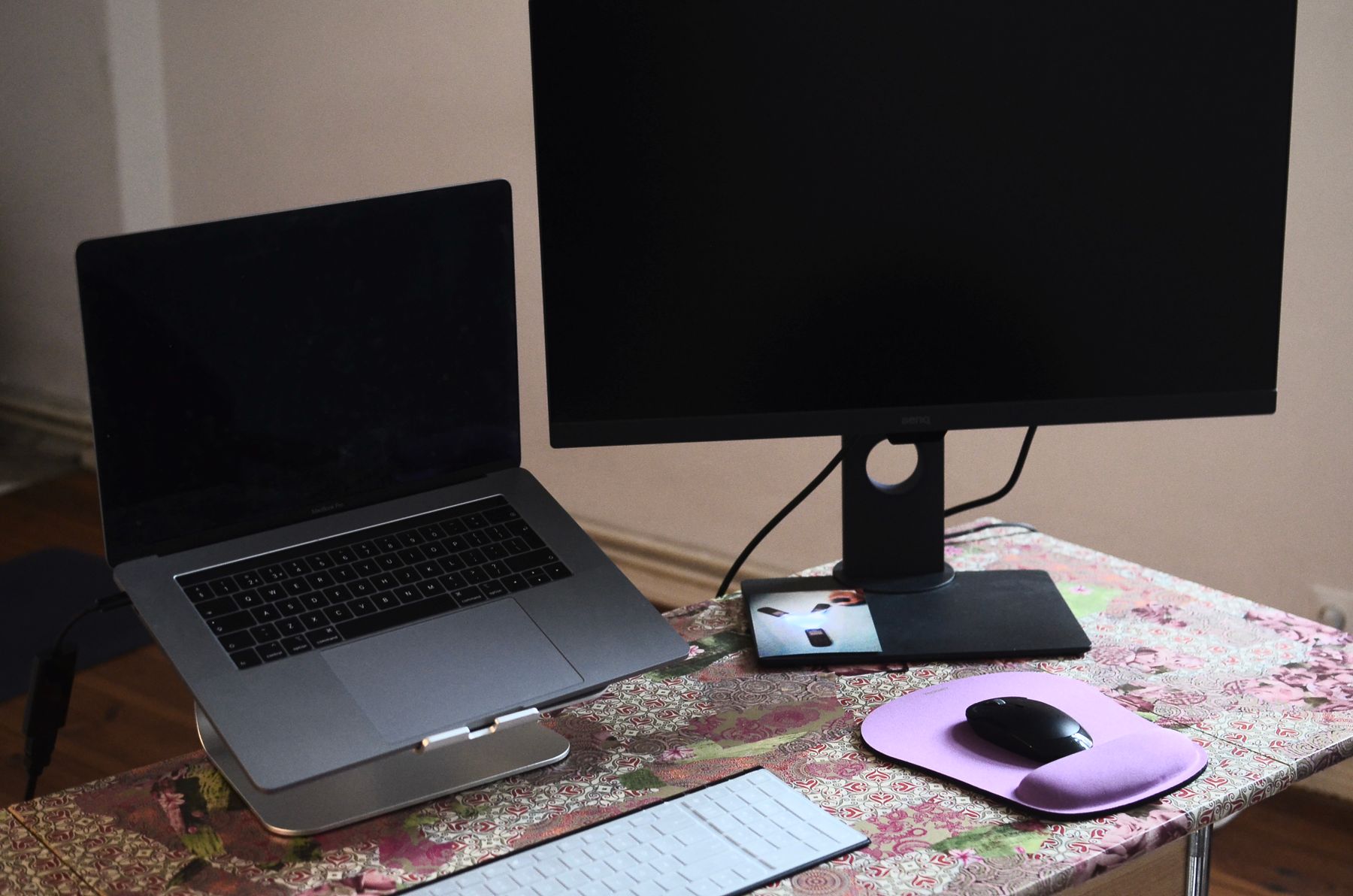
Even when your applications work, the desk setup can expose another constraint. Confirm whether the laptop can drive the number and resolution of displays you use, whether the dock is supported and whether its USB-C or USB4 implementation provides the bandwidth and charging behavior you expect.
Our Thunderbolt 5 vs USB4 guide explains why identical-looking USB-C ports can expose different display, data and charging capabilities.
Build a compatibility matrix before switching a work machine
For a personal laptop, a short list may be enough. For a work machine, turn the audit into a small matrix.
Create rows for the applications and peripherals you actually use and columns for:
- native Arm64 support;
- emulation status;
- required drivers;
- plug-ins or extensions;
- licensing or security components;
- whether a tested fallback exists.
Mark each item as confirmed, acceptable under emulation, unverified or blocking.
This is more reliable than asking whether “Windows on Arm supports my workflow” in general. One unsupported VPN driver or hardware dongle can matter more than fifty mainstream applications that work perfectly.
If the laptop is replacing an existing production machine, keep the old machine available until the new workflow has survived a normal workweek. Compatibility problems often appear in monthly tasks, unusual peripherals or rarely used export steps rather than during the first hour.
Use the return window as a real-world test period
Consumer compatibility lists are helpful, but a return window can function as a practical validation period.
Install the exact applications you use, connect the dock, monitors, storage, audio hardware and printer, then run the tasks that matter. Test sleep and wake, video calls, VPN access, file syncing, external displays and any specialist utility that runs in the background.
Do this early enough that you still have options if an essential dependency fails.
That approach is especially useful for buyers moving from an established x86 setup. The question is not whether Arm is “good enough” in the abstract. It is whether this particular machine completes your actual workflow without hidden friction.
A five-minute pre-purchase audit
Before buying:
- list your ten must-have apps;
- check whether each has a native Arm version or known Prism support;
- list hardware requiring drivers;
- check the games that matter;
- verify VPN/security software if the device is for work;
- confirm your dock and monitor workflow.
If none of those reveal a blocker, architecture is much less likely to surprise you later.
Bottom line
Windows on Arm in 2026 can be an excellent everyday platform. Prism makes a large x86/x64 software catalog available and native Arm support continues to expand.
The remaining risk is concentrated in special cases: drivers, old enterprise dependencies and some games.
Spend ten minutes checking those edge cases before buying and you can evaluate the laptop on the things that matter every day—battery life, portability, performance and price.
Editorial research note
How we reached this guidance
We checked the article against Microsoft's current Windows on Arm documentation and focus on compatibility rather than architecture hype. Native Arm64 support, x64 emulation, drivers and specialized peripherals are treated separately because a laptop can run common applications well while still failing a specific legacy workflow.
Decision framework
| Scenario | Recommendation | Why |
|---|---|---|
| Browser, Office and mainstream productivity workload | Windows on Arm can be a strong fit | Modern native applications and current emulation cover many common tasks well. |
| A workflow depends on a legacy driver or niche peripheral | Verify that exact dependency before buying | Driver compatibility cannot always be solved by application emulation. |
| Battery life and quiet operation are high priorities | Arm laptops are especially worth comparing | The architecture is used in systems designed around strong performance per watt. |
| Development or specialist software is essential | Test the exact toolchain | Compatibility should be proven at the application, extension and driver level rather than assumed from Windows support alone. |
Primary references
Reviewed on September 24, 2026. Unless an article explicitly states that TECHMUNDI performed hands-on testing, our guides are research-based and do not present specification or documentation review as first-hand product testing.
Continue reading